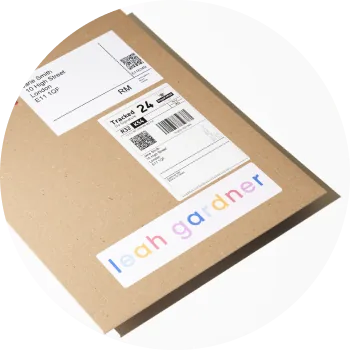
Our drop ship API lets you connect creativehub's print fulfilment to your own website or app, so orders placed on your site are printed, framed and shipped automatically by theprintspace.
What the API does
An API (Application Programming Interface) lets two applications exchange information. The creativehub drop ship API lets you integrate our print fulfilment with any custom website or mobile app, handling the order fulfilment process behind the scenes.
Who it's for
The API is best suited to galleries, institutions, businesses, or artists with custom-coded websites or sites with considerable traffic — where our standard plug-and-play integrations (Shopify, Squarespace, Wix, WooCommerce and Big Cartel) aren't the right fit. If one of those platforms works for you, connecting through it is much simpler than building against the API.
Those ready-made connections are each introduced on our art store integrations page.
Getting started
The API is a web-development solution, so you'll usually need a developer to integrate it with your site. You create and manage your API tokens in Settings → API / MCP in creativehub.
If API access isn't showing on your account yet, contact support at info@theprintspace.co.uk to have it enabled.
Related articles
- What websites can I connect to creativehub to sell my art?
- How do I check that my website is connected with theprintspace's dropshipping service?
Developers weighing up a custom build can find the key features and white label fulfilment details on our art print API page.