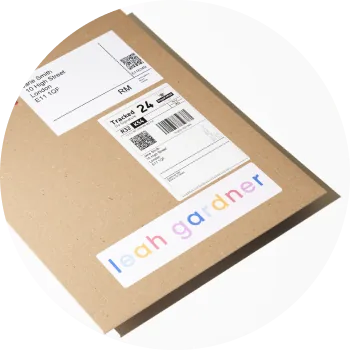
To set up shipping rates on your website, you set the customer-facing rates your buyers pay on your Settings → Fulfilment page. On Squarespace and Big Cartel, creativehub cannot set shipping rates for you, so create them in your store's own shipping settings.
Set up shipping rates per region
On the Delivery prices card you can choose Bespoke delivery prices and set your own per-order price for each zone — UK, Europe, USA, Canada and Rest of World. By default, delivery is £15 for UK, EU, USA and Canada, and £39 for Rest of World, but you can change these to whatever you want to charge your customers.
Choose your strategy
- Pass-through — charge customers the same as theprintspace's wholesale rate to you.
- Marked-up — add a margin to cover your overheads.
- Free shipping — set delivery to £0 and bake the cost into your product prices instead.
Optional: upgrade to courier
You can also turn on Upgrade to Courier for any region to move orders there onto Express Courier instead of standard tracked delivery. This is tracked, more resilient against customs issues, and required if you want to offer Delivery Duty Paid (DDP).
For the full breakdown of theprintspace's wholesale rates and detailed fulfilment settings, see the help article on how to configure fulfilment settings.
Related articles
- What are the shipping costs for dropshipping orders?
- What shipping carriers are used for dropshipping orders?
- My Shopify products are not importing shipping rates or shipping profiles
- How do I check that my website is connected with your drop shipping service?
Whichever pricing strategy you choose, our delivery service page shows the delivery options and timescales we offer.