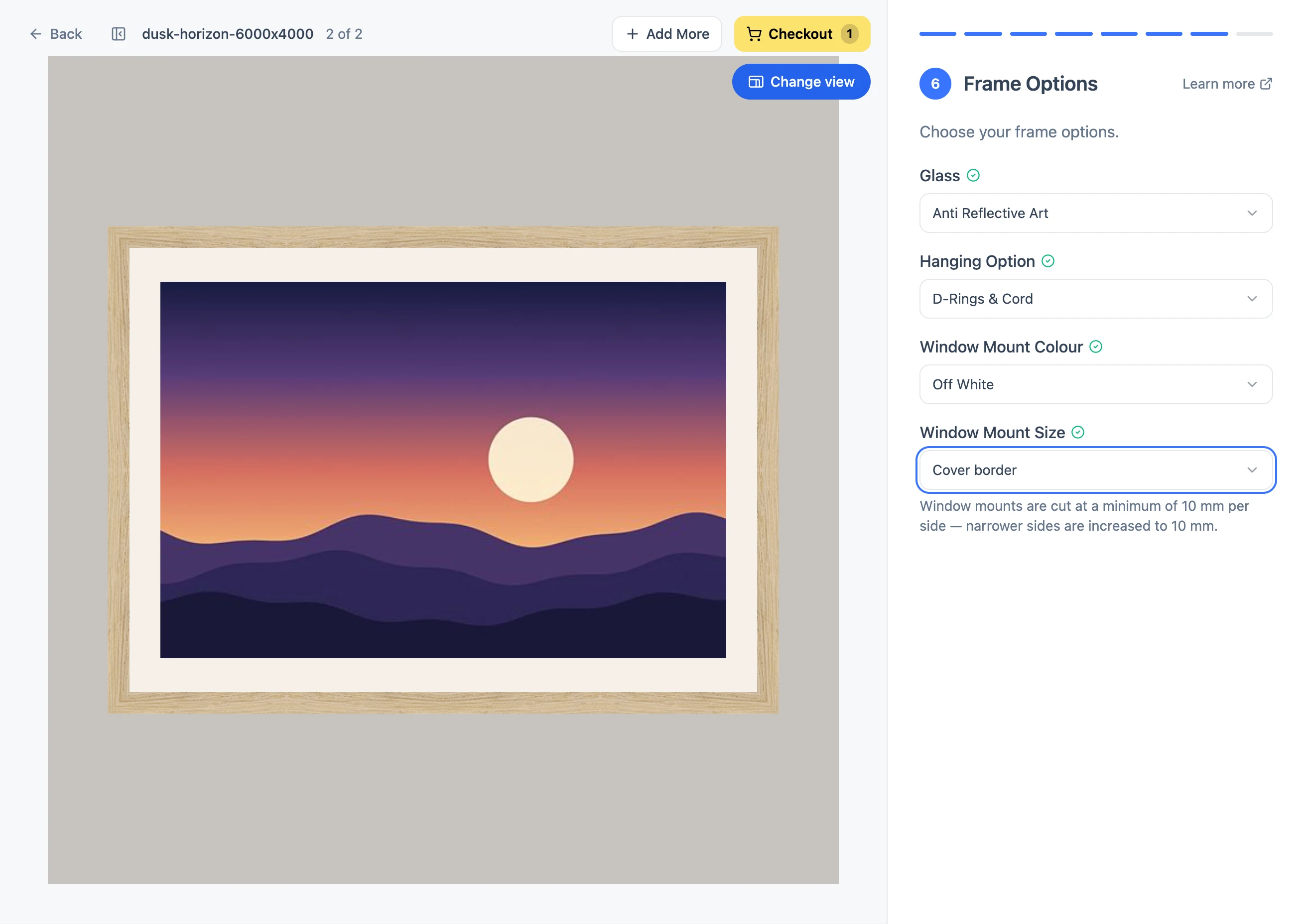
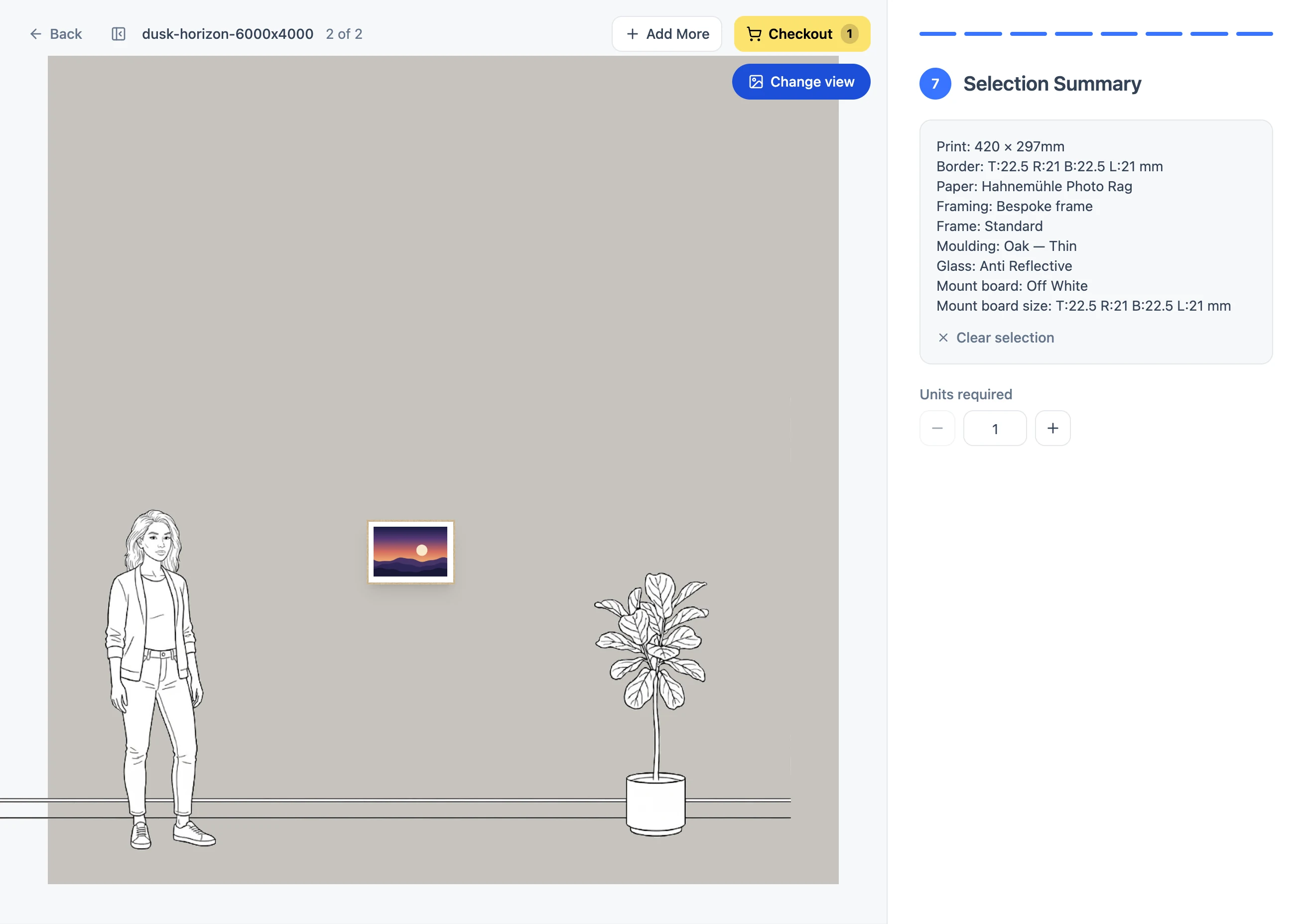
Yes. As you build an order at order.creativehub.io, the preview redraws with every choice you make, through to the framed piece shown on a wall. It is a guide to layout and proportion, not to colour or texture.
What the preview shows
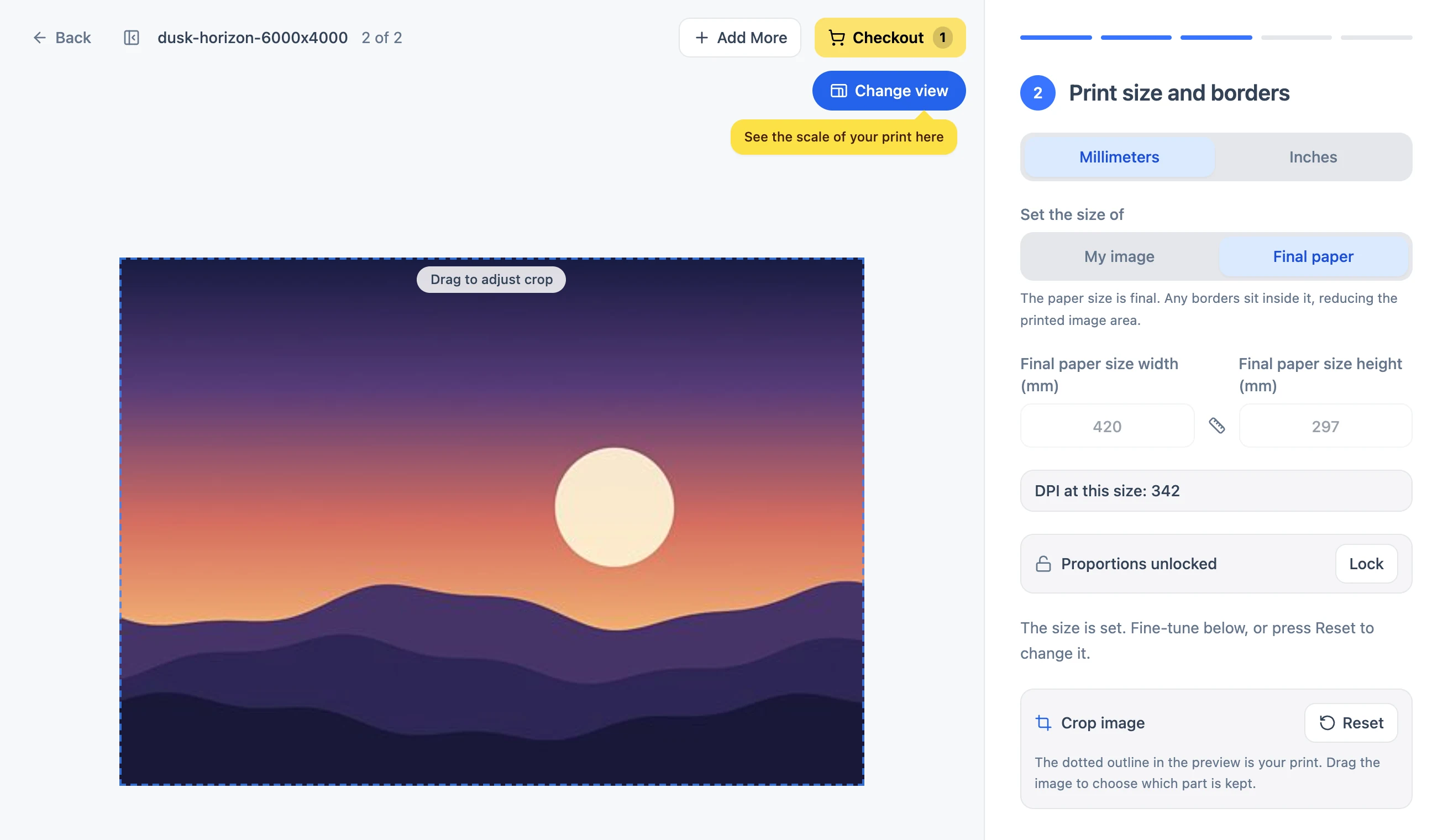
- Your image at the size you entered, with any crop you chose.
- The border, drawn live as you change it.
- The window mount, in the colour and width you picked.
- The frame, drawn in the moulding you chose, at its width relative to the print.
- The framed piece on a wall, so you can judge the overall look.
Still deciding between frame styles? Our guide on how to choose a fine art frame explains the differences.
Crops are never applied unseen
If the shape of your image does not match the size you type in, you are asked to choose Crop image or Add border, each with a live preview, before you can continue. Nothing is cropped without you seeing it first.
What the preview cannot show
The preview is drawn on screen, so it cannot show the texture of the paper, the depth of a frame or exact colour.
To judge paper texture and finish in the hand, you can order a paper sample pack before committing to a print.
- Colour: soft proof your file with our paper profiles, or order a small test print. See How to soft proof your print using Adobe Photoshop and where to download our ICC profiles.
- Frames and mouldings: finished examples are photographed on the framing page.
To see frames and mouldings in person, visit the London studio at 74 Kingsland Road, London E2 8DL, Monday to Friday, 9am to 7pm.
To go beyond the on-screen preview, our handmade framing page shows the frame styles, mouldings and glass options in more detail.